I have a genuinely bad memory. Not the kind where you forget a name at a party — the kind where, three hours after a meeting, I can't tell you with confidence what was actually decided. I'd write notes sometimes. I'd email myself. For a while I kept a running Google Doc that was supposed to be a capture-everything system, but it turned into a place where thoughts went to become illegible.
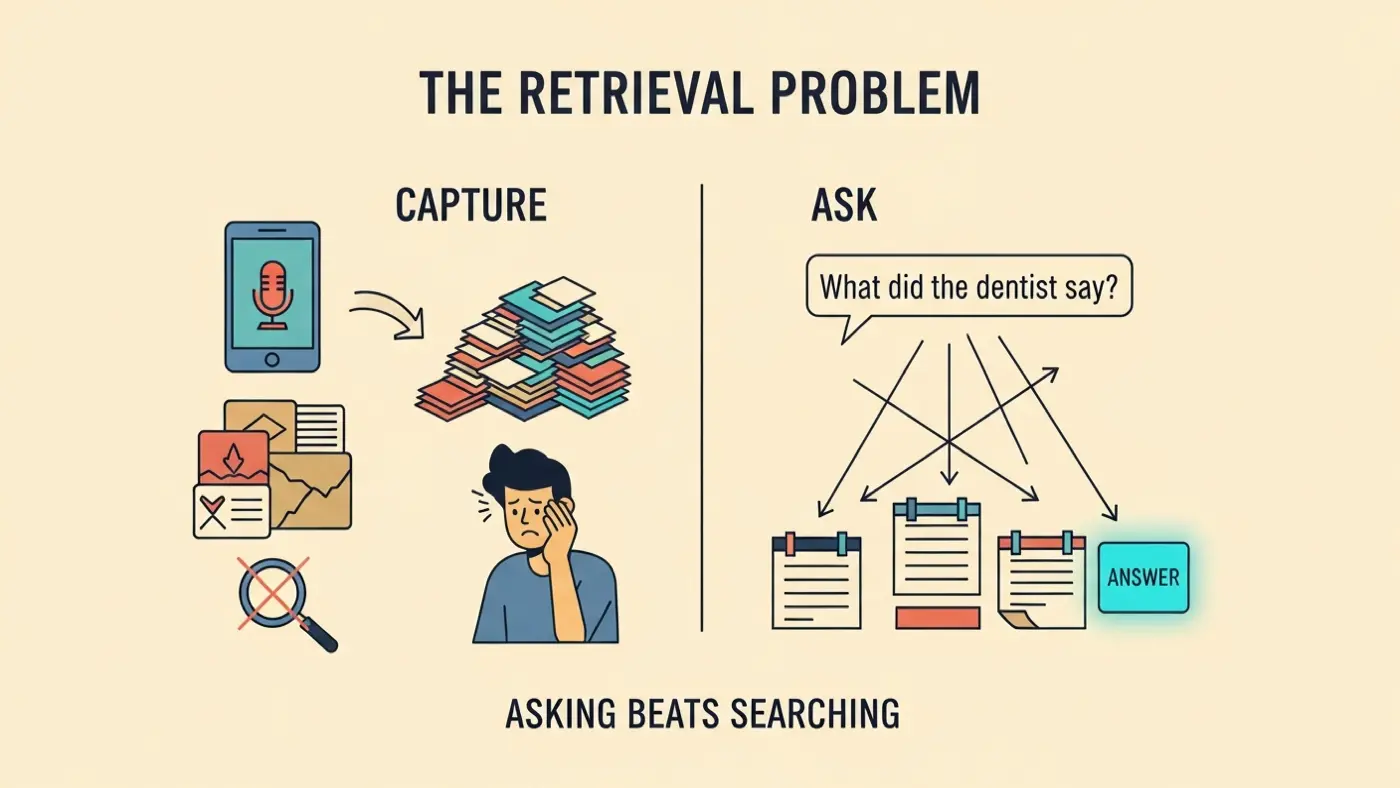
The problem wasn't motivation. It was retrieval. Everything I tried was decent at getting things in and useless at getting them back out.
The organization trap
Notes apps were the worst for this, because they kept inviting organization. Every time I opened one there was a question underneath the question: where does this go? I'd make a tag or a notebook or a folder and feel like I was building something. Six months later: twelve folders, two of which I actually used, ten of which existed as monuments to the system I was going to build.
Voice memos were better at capture. No structure required — just talk, and the thing was recorded. But they had the graveyard problem: untitled recordings, timestamps as names, no way to find anything except scrubbing through files one by one. I stopped checking them because the cost of retrieval was too high. The recordings were there. I just couldn't get to them.
The thing that was different
When I started using AI with voice notes, the thing that changed wasn't capture. It was retrieval.
I recorded a note about a meeting — what we discussed, what was unresolved, something someone said that I wanted to follow up on. Four days later I asked: "What were the unresolved things from the product meeting this week?" And it told me. Correctly. From the note I'd spoken.
That shouldn't have surprised me as much as it did. But it did. Because the experience of needing something and getting it back — easily, without archaeology — was so different from every other system I'd tried.
Why questions work when search doesn't
The difference between voice-plus-AI and voice-plus-transcription is one specific thing: you can ask questions instead of searching. Not "budget Q3" but "what was the concern about the budget?" Not "dentist crown" but "what did the dentist say about my teeth last month?"You don't have to remember what you called something. You just need to remember roughly what happened.
I have a weak verbal memory. I remember concepts and feelings better than exact words. Search breaks this — you need the exact word you used to get the thing back. Question-answering works with it. You describe the situation, and the system figures out whether the right word is "crown" or "teeth" or "dental work." The meaning is what gets matched, not the vocabulary.
This is what personal AI memory actually means in practice. Not a smarter filing cabinet, but a system that understands what you meant when you recorded something, well enough to surface it when you ask about it differently later.
The compounding effect
There's something that happens over time that I didn't expect. Early on, AI voice recording is convenient — you save a few minutes here and there, you stop losing the medium-stakes things. After six months of regular use, it starts to feel qualitatively different.
The reason is that the system isn't just retrieving a single note. It's reading across all of them at once. You ask "what do I know about this client?" and it synthesizes a dozen recordings from different weeks — something you noticed in the first meeting, a concern they raised two months in, a detail you caught after a call you almost didn't bother noting. None of those individually would have been enough. Together they give you a picture of the relationship you couldn't have reconstructed from memory alone.
Or you ask "where did I land on the pricing decision?" and it pulls together three separate voice notes from three separate weeks: one where you were leaning one way, one where you changed your mind, one where you recorded the final call. The answer isn't a single note — it's a thread the system assembled from your own words, in order.
This is what a notes app can't do, even a well-organised one. A folder of notes is a pile of individual documents. You still have to read through them and synthesize the answer yourself. The AI reads across the whole archive and gives you the answer already assembled. The more you've captured, the more it can connect — and some of those connections surface things you hadn't consciously noticed yourself.
At that point it stops feeling like a better notes app and starts feeling like talking to someone who was paying attention when you weren't.
What it doesn't fix
Voice capture won't give you a better memory. Your brain still consolidates and loses information the same way it always has. What it can do is ensure that the moments when you didcatch something — a useful fact, a decision that mattered, a thought that surfaced once and probably won't again — you can actually retrieve it.
The practical difference to my day isn't enormous. I'm not a different person. But there are fewer of those specific frustrations — the kind where you need something you know you once had, and you can feel it disappearing as you look. The cumulative cost of those moments was higher than I realized until they stopped.
Stop Losing What You Catch
Chronicle captures your voice and gives it back when you need it. No searching, no scrolling — just ask.