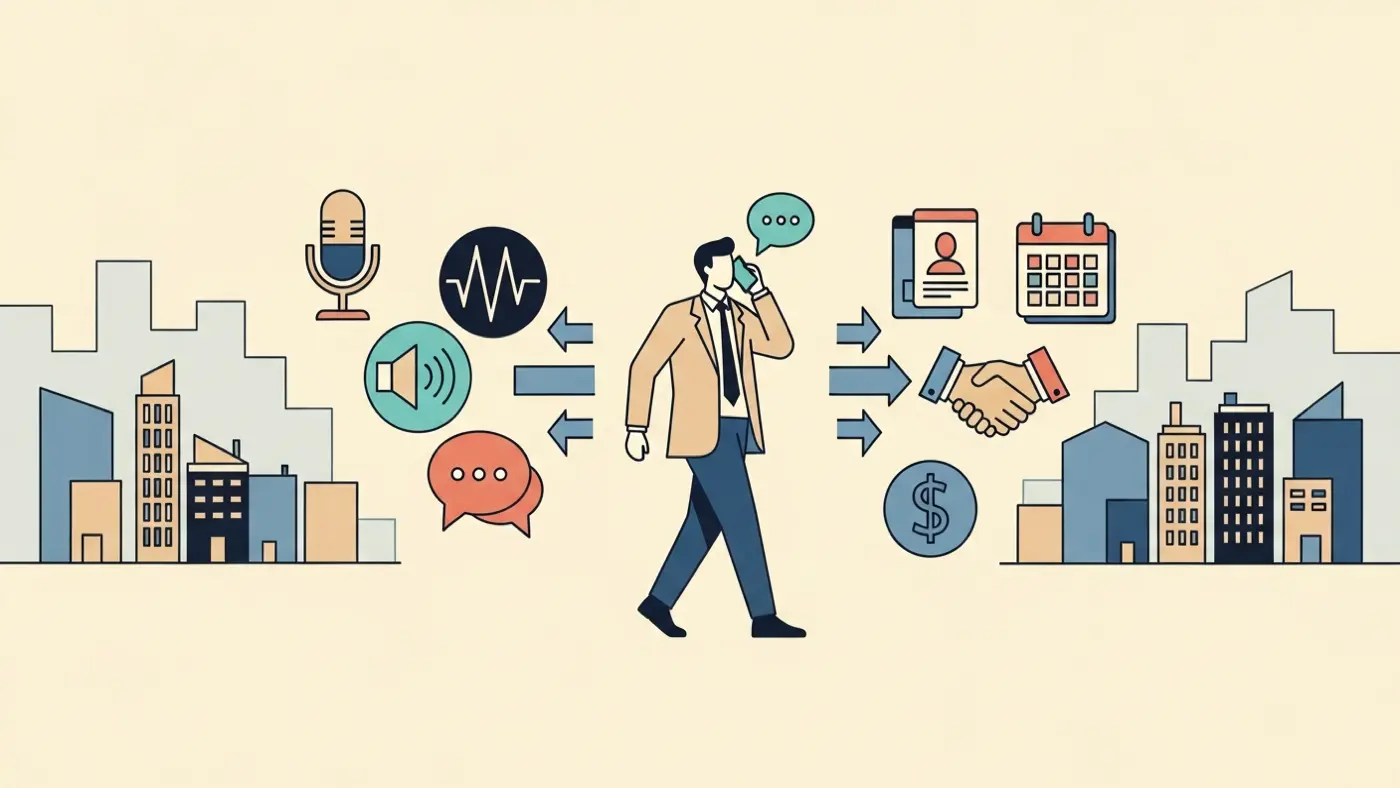
Selling face-to-face is a memory game. The agent who remembers that a couple mentioned they need a home office and a big yard for the dog, or that a buyer was nervous about the school district — that agent earns trust faster than the one who asks the same questions twice. Not because they're more talented, but because they paid attention and didn't let the details slip away.
The problem is that when you're meeting people all day — showing properties, walking job sites, driving between appointments — there's no natural moment to sit down and type notes. You finish one meeting and you're already in the car heading to the next. By evening you've seen four clients and the specifics are blurring together.
1. Talk to your phone between meetings, not to your laptop at midnight
The most valuable window for capturing detail is the two minutes after you walk out of a meeting. You're still in it — you remember the tone, the hesitation, the thing they said on the way out that was probably the most honest part of the conversation.
A quick voice note in the car before you pull away is worth more than a careful write-up that evening. Research on the forgetting curve shows we lose roughly 70% of new information within twenty-four hours. By then you remember the headline — they liked the kitchen, they were worried about price — but you've lost the texture. You've forgotten that she paused when you mentioned the HOA fees, or that he kept bringing up the commute even though he said location wasn't a priority.
Those details are what let you follow up in a way that feels personal instead of scripted.
2. Record the stuff that doesn't fit in a form
Your CRM or contact list captures the basics: name, budget, property type, last showing date. What it can't capture is the actual feel of a relationship. Whether someone is shopping seriously or just browsing. What they said about the last agent they worked with. The fact that they just had a baby and timeline is suddenly urgent.
That kind of context doesn't fit in a dropdown or a status field. It's also the information that closes deals. A voice note is the right shape for it — conversational, quick, honest. You can say "I think they're not ready to buy yet but the wife is pushing" in a thirty-second recording in a way you'd never type into a system.
3. Prepare by asking, not by scrolling
The morning of a second showing or a follow-up call, most people skim their notes — if they can find them. When you're juggling dozens of clients at different stages, scrolling through a thread of old notes looking for the relevant detail takes time you don't have.
A better approach: ask your notes a question. What were the Johnsons' must-haves? or what did Maria say she didn't like about the last place?The answer comes back from something you actually said weeks ago, with the detail intact. That's a different kind of preparation than trying to reconstruct it from memory or a half-finished note.
4. Remember the person across transactions
A deal ends but a relationship doesn't. The client who bought a starter home three years ago might be ready to upgrade. The seller who went with another agent could come back if they remember you were the one who actually listened.
If your notes only live inside the transaction record, all that context disappears when it closes. Recording observations about the person — what they care about, how they make decisions, what came up in conversation that had nothing to do with the deal — builds something closer to a relationship file that carries over. The people who seem to "just know" how to re-engage a past client years later are usually the ones who kept this kind of memory.
5. Let retrieval work like your brain does
The real bottleneck isn't capture — it's getting things back when you need them. You know you talked about a client's renovation budget at some point, but searching "budget" or "renovation" across months of notes is hit-or-miss. You might not have used those exact words.
The better interface is asking in plain language: what did the Garcias say about their timeline? or which clients mentioned wanting a pool?You don't need to remember what you called it. You just need to remember roughly what happened. A system that can answer questions like that — across months and dozens of clients — changes what it means to show up prepared.
This is what a personal AI memory is actually for. Not storing more information, but making what you already captured usable the moment you need it. Chronicle is built around that — capture by voice between meetings, retrieve by asking before the next one.
Remember Every Client Detail
Capture between meetings. Ask before the next one. Chronicle keeps up with your day.